Best for
Technical operators, local environments, and teams that want a simple command-line helper.
Local helperTechnical teams
Use the CLI when technical teams want a direct local verification path on controlled machines instead of a browser-first helper.
Official domain: www.vraimony.com. Read-only verification only. No remote scripts by default.
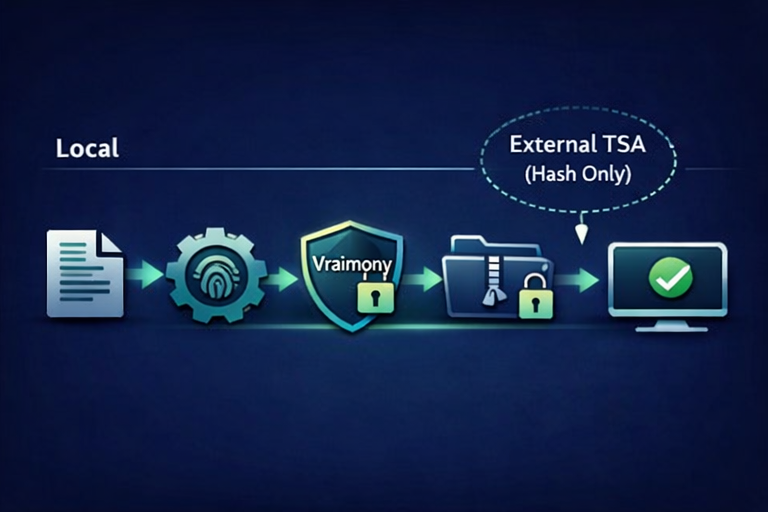
Technical operators, local environments, and teams that want a simple command-line helper.
You want a non-technical guided UI, hosted portal, or broad operational dashboard.
An operator on a controlled machine wants a local verification path for a package check without relying on browser-based review.
Download the CLI, run it locally, and use it for straightforward technical checks where a browser helper would be the wrong fit.
It removes friction for technical teams that do not want to route every check through a browser or site interface.
Best paired with the SDK or pack-level workflows when local technical checks become part of a repeatable internal process.
Download only from www.vraimony.com. Check the matching guide, package name, and release wording. SHA256 helps detect corruption; it does not prove official origin by itself.
A local verification helper for technical users.
It is not a full hosted product or a replacement for every browser or site flow.
Use it when local-first is the best fit, then keep the workflow narrow and testable.